Start without setup
Open the editor and begin. There is no account form before the canvas.
Islamic design, made approachable
Make a Quran reminder, hadith poster, social graphic, or personal design in a few simple steps. Start as a beginner, then go deeper when you are ready.
Made for first-time creators and experienced designers.
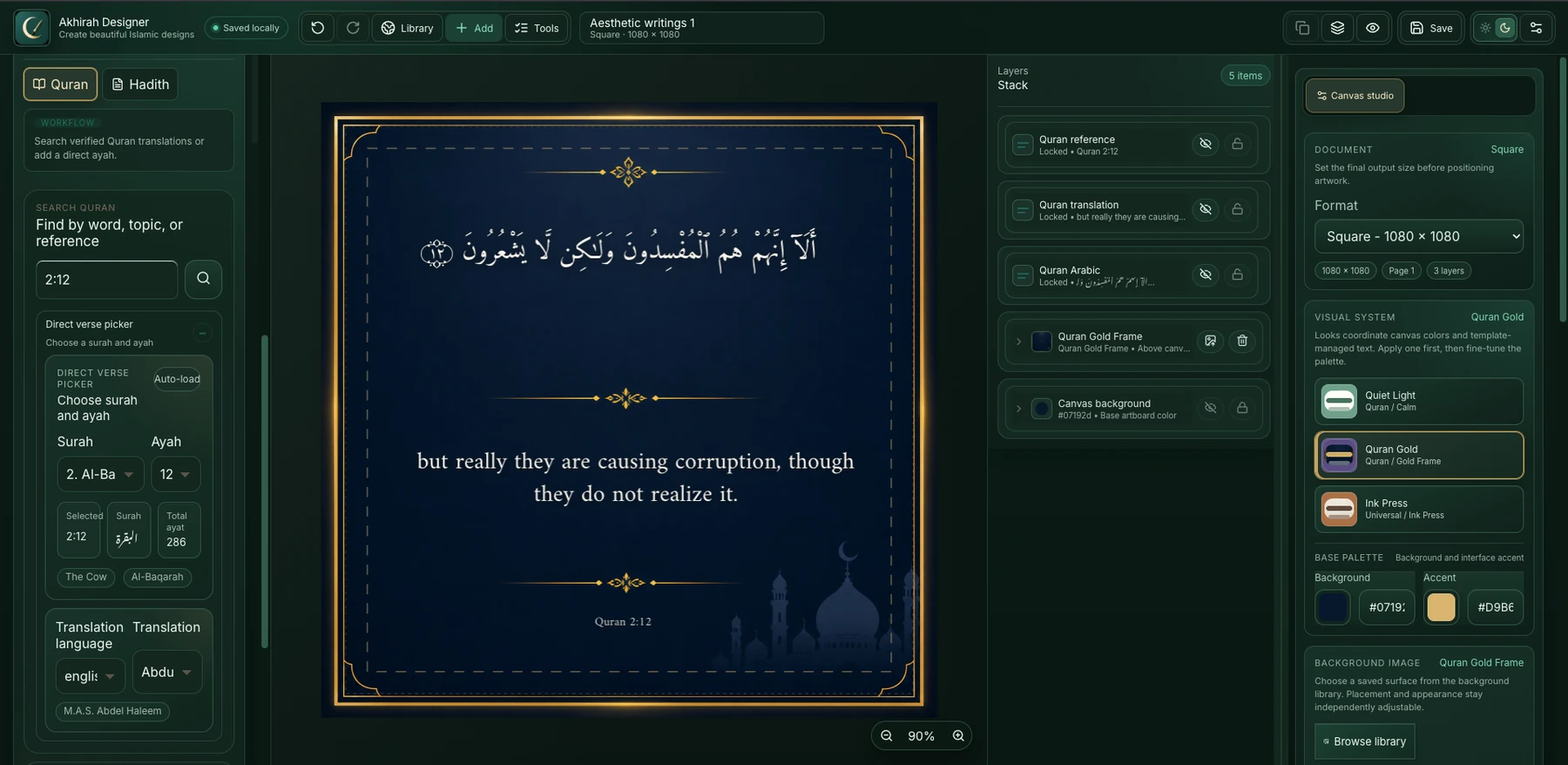
Open the editor and begin. There is no account form before the canvas.
Quran and hadith references can stay connected to the words in your design.
Use quick presets for a simple result or open precise controls when you want them.
Your words, ready to use
No searching across tabs. No copying and pasting sacred text. Choose what you need inside Akhirah Designer and place it straight onto your canvas.
Find a verse, choose the translation, and add the Arabic, translation, and reference to your design with one click.
No copy and pasteSearch the built-in hadith collection, select the result you want, and place it into your poster without leaving the editor.
Built into the editorFor every level of experience
Akhirah Designer does not make beginners feel lost, and it does not make experienced designers give up control.
Choose a canvas, add words or an image, and move things around until the design feels right. Try a ready-made visual style, change the font or color, and learn by creating.
Work with layers, custom canvas sizes, precise spacing, custom fonts, RTL controls, color grading, visual effects, transparent artwork, and paper mockups.
Simple when you need a quick result. Detailed when you want complete control.
What can you make?
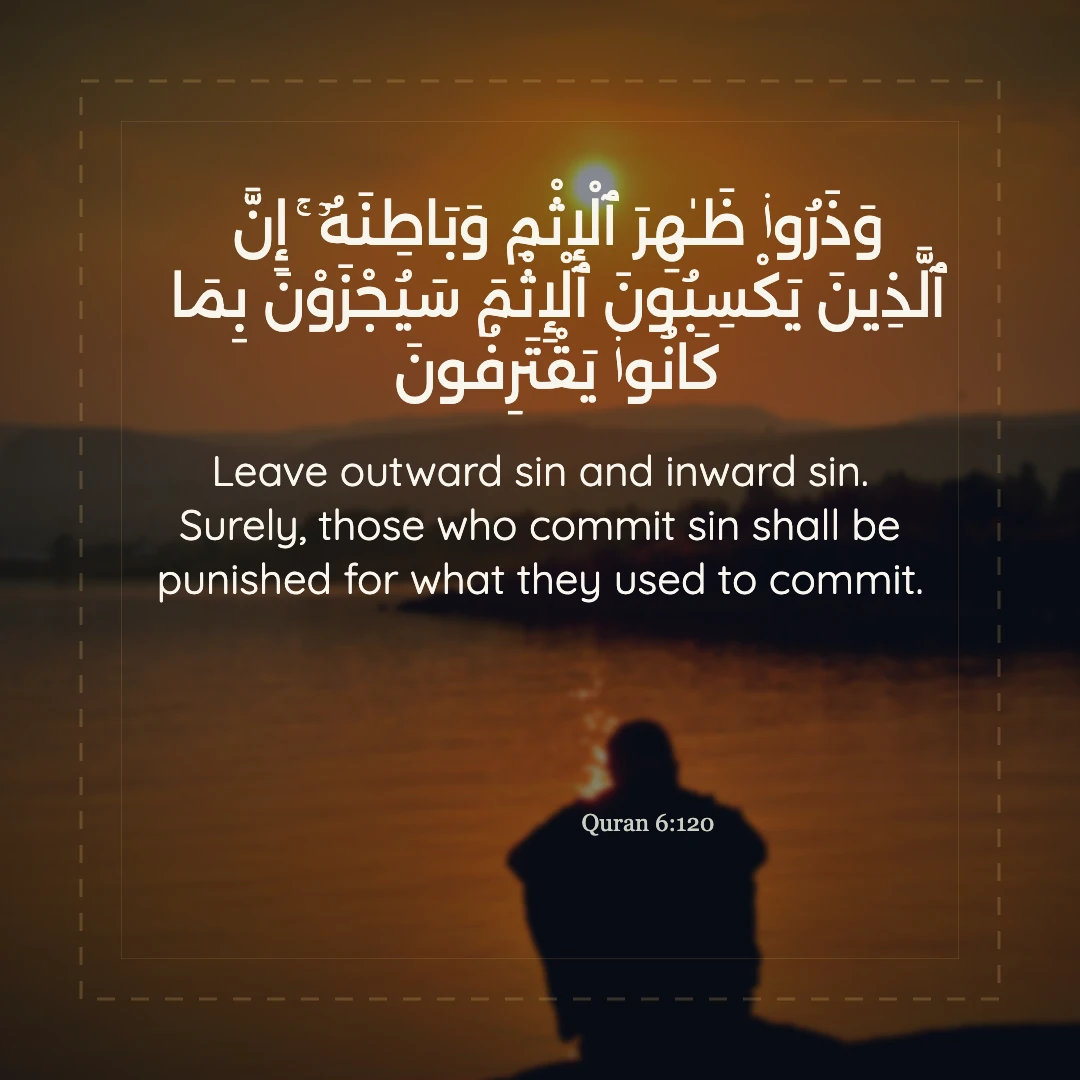
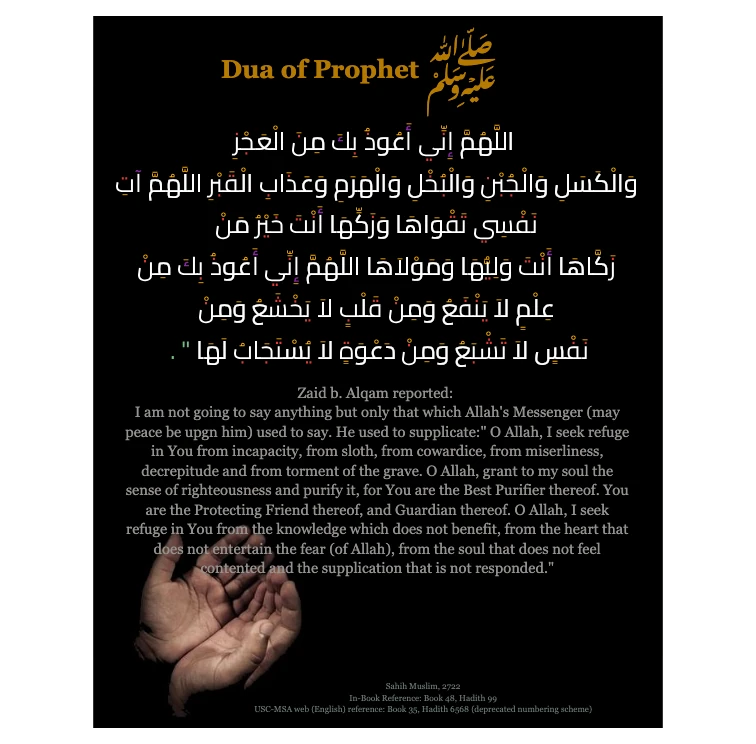
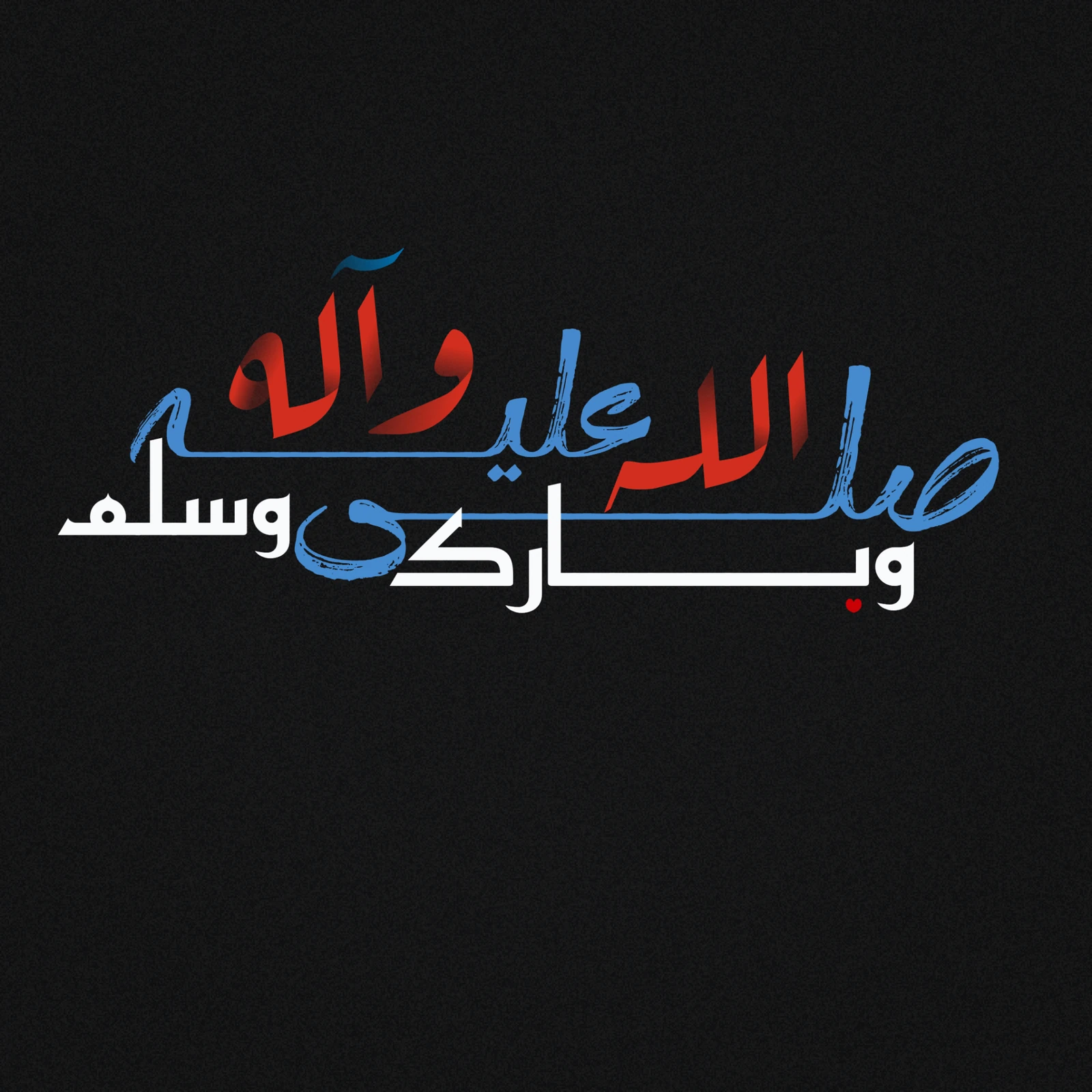
Create Quran verse posters, verified hadith posters, Islamic reminders, Arabic and Urdu quote cards, multilingual social designs, transparent lettering, paper-style artwork, and beneficial knowledge graphics.
Built-in creative tools
Begin with the essentials. Open the more detailed controls only when they help you express the idea more clearly.
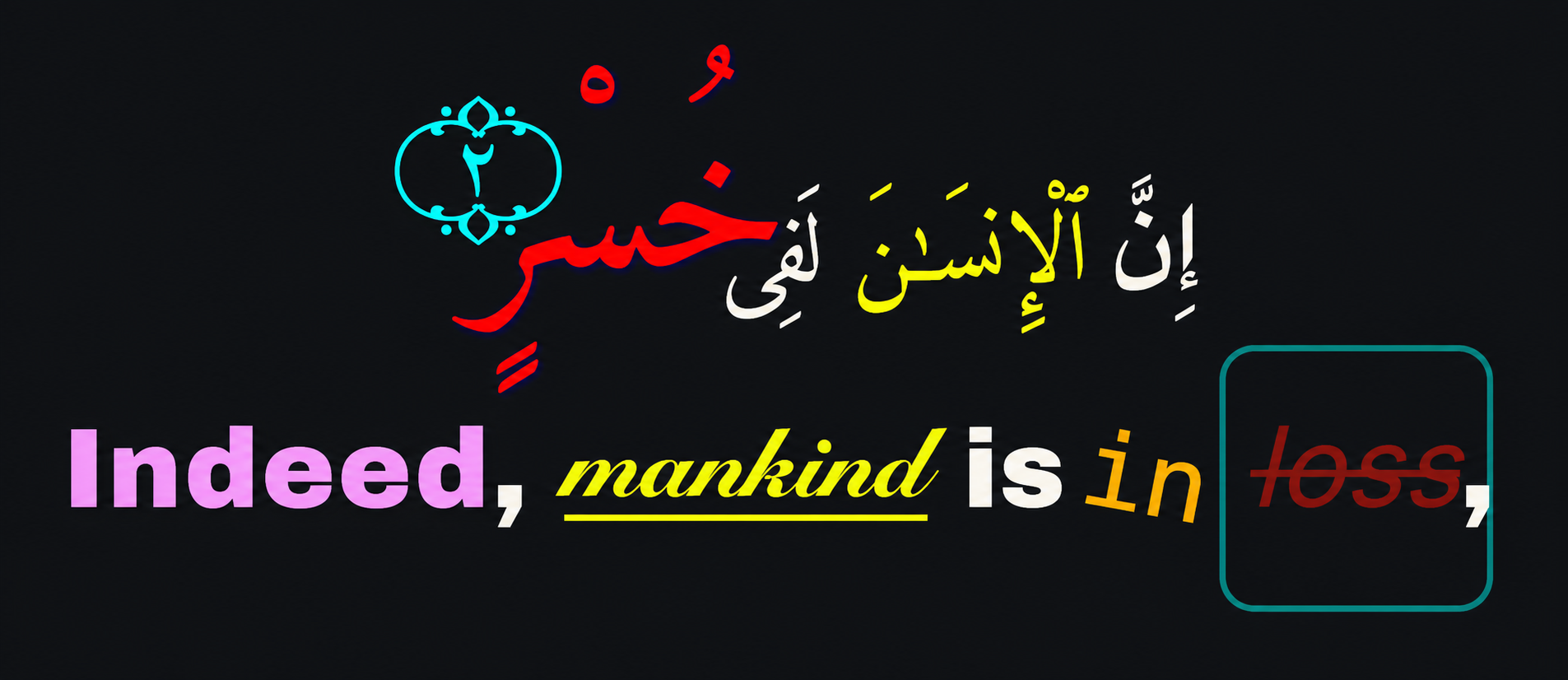
Select a single word, phrase, or group of letters and give it its own font, color, gradient, outline, shadow, background, relief, or transform. The rest of the text stays unchanged.
This is useful for Arabic and Urdu emphasis, titles, names, decorative lettering, and any moment where one part of the message should stand out.
Adjust the tone of your images directly inside Akhirah Designer. Make a photo brighter, deeper, warmer, cooler, softer, or more atmospheric with tonal controls and color wheels.
Add subtle grain, vignette, halation, or a supported preset. The look can be applied to the image or layer you are working on without accidentally changing unrelated artwork.
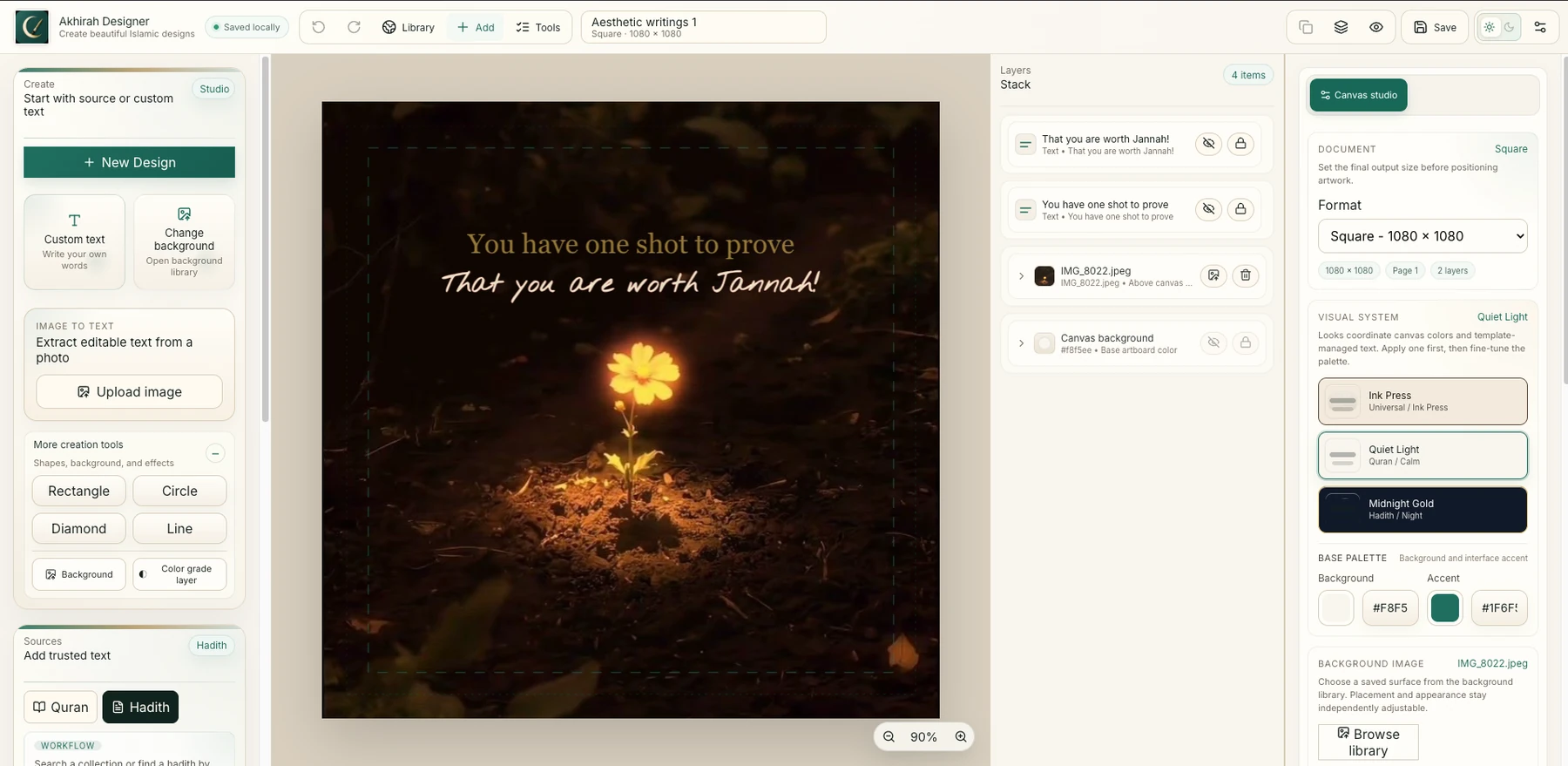
Drag items on the canvas, duplicate them, hide or lock them, and move them forward or backward until the composition feels balanced.
Choose custom fonts and faces, preview them, adjust spacing and line height, and use kashida controls for connected scripts.
Add your own words and photos, choose a background, draw simple shapes, or use OCR to extract editable text when the service is available.
Improve contrast or add depth with background panels, softness, material, relief, pressed ink, and Deep Paper Press.
Create a social post, a vertical story, a paper design, or an exact custom size from 64 to 16,384 pixels per side.
On phones, bottom-sheet tabs for Add, Edit, Layers, and Export keep tools close without turning the screen into a tiny desktop dashboard.
How it works
Beginners can stop as soon as the design feels right. Experienced designers can continue refining every detail.
Write your own message, add a Quran verse or hadith source, or bring in text from an image with OCR when available.
Pick Square, Story, A4, or Custom, then begin blank or use a ready-made visual system.
Place text, photos, shapes, and backgrounds, then drag and layer them visually.
Try fonts, colors, spacing, selected-text styles, color grading, shadows, relief, or paper effects.
Download PNG or JPEG, keep a transparent background, save project JSON, or create a paper mockup.
Source-aware by design
When you use Quran or hadith content, the source and reference can stay connected to the design so the context does not quietly disappear while you style the artwork.
Arabic text, translation, citation, and attribution can remain part of the final composition.
If a result is unavailable or cannot be verified, the editor does not silently treat it as trusted source content.
Review sacred text, translations, references, and the final artwork before publishing.
Export and presentation
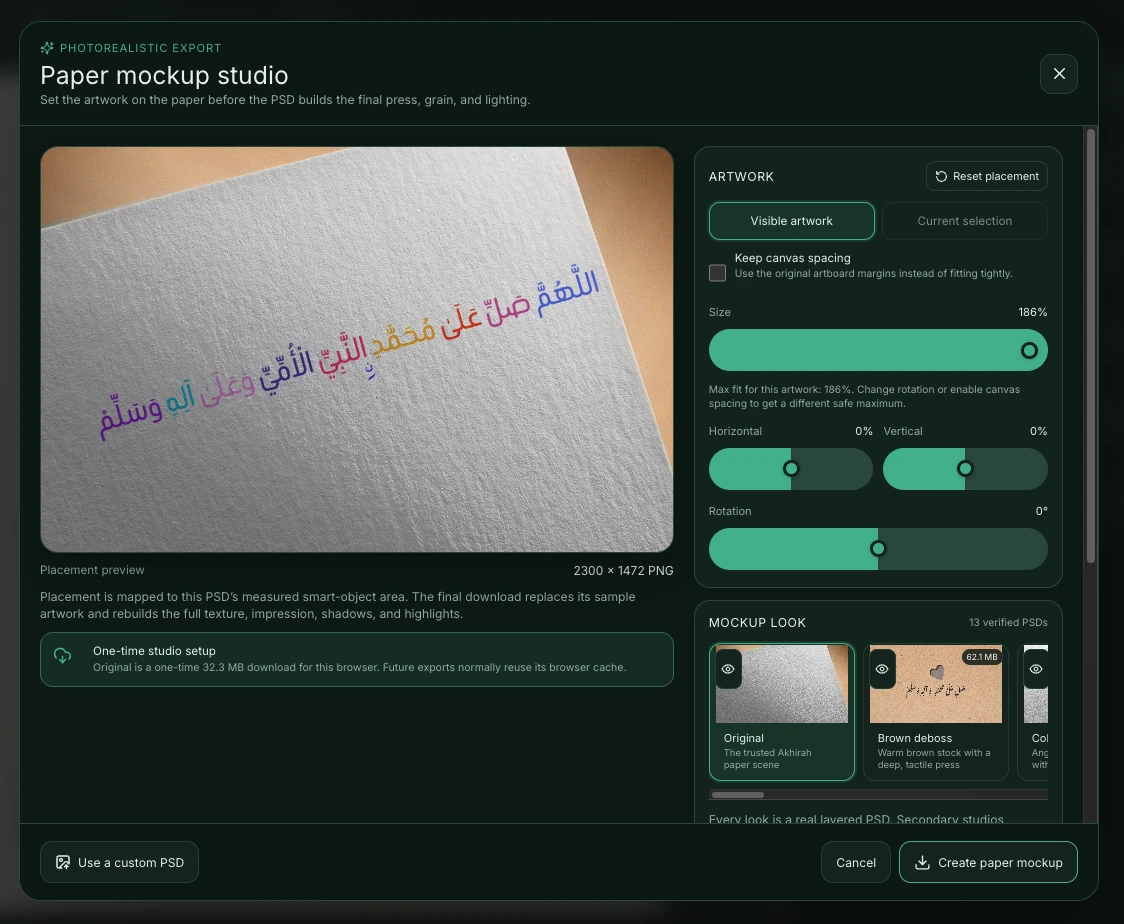
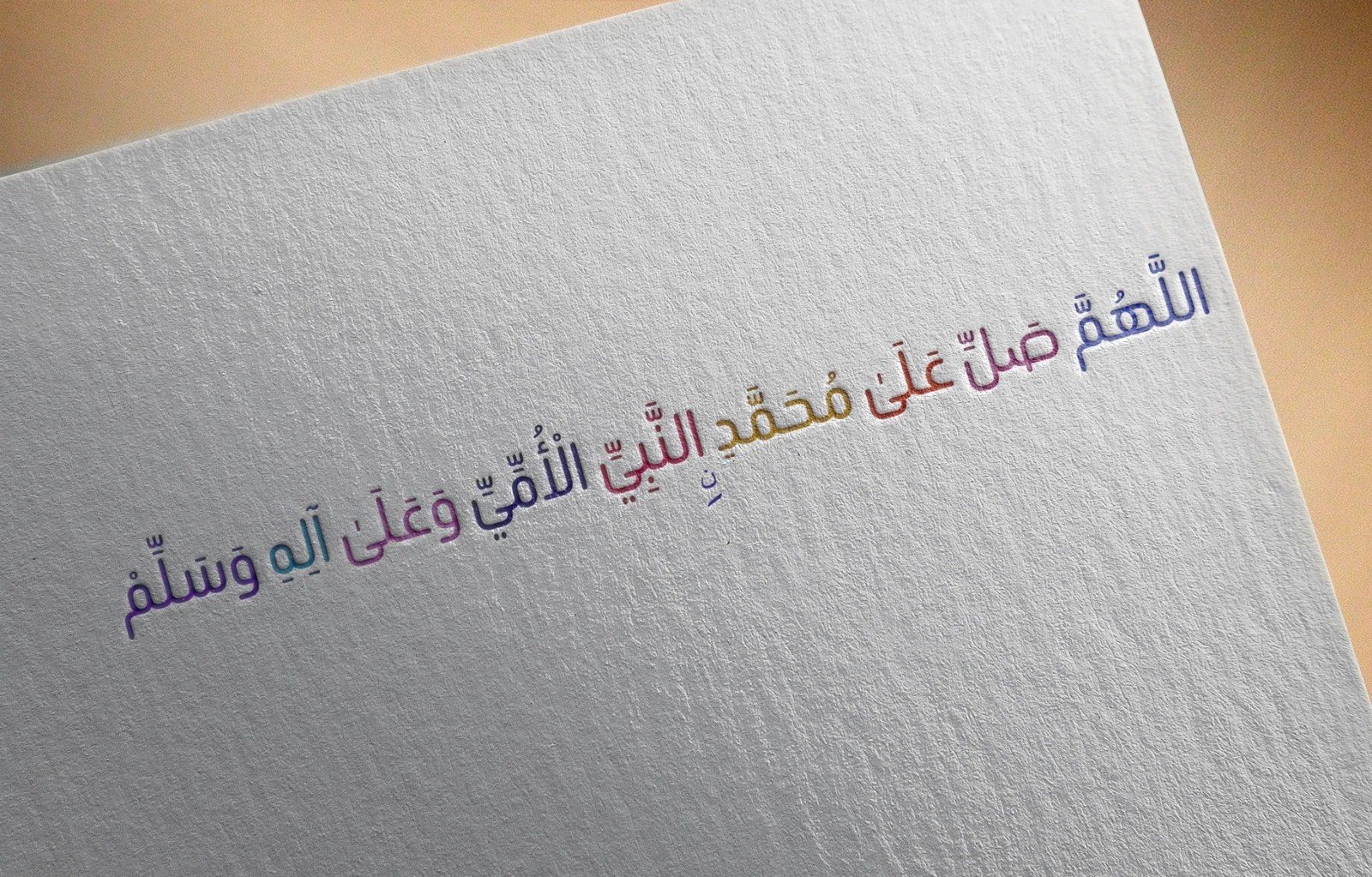
Export PNG or JPEG, keep a transparent background for reusable lettering, save the project for later, or turn the current artwork into a paper or fabric mockup.
Your work, on your device
Your projects are saved on your device by default. There is no mandatory cloud workspace and no forced AI generation.
Some optional tools use online services—such as Quran and hadith lookup, OCR, community templates, and remote paper mockups—and may depend on service availability.
Keep important work safe: clearing browser data, using private browsing, or changing devices can remove local projects. Export project JSON when you want a recovery copy.
Start with a blank canvasFrequently asked questions
Open the editor as a beginner, grow into the advanced controls, and keep a local recovery copy of work that matters.
No. Start with a familiar canvas size, add text or an image, and move things around visually. More detailed controls are there when you are ready.
No account is required to begin using the current editor.
The current public web editor can be opened and used without a required account or subscription step. Optional online services can depend on their own availability.
Yes. Use Arabic, Urdu, English, multilingual text, RTL direction, custom fonts, font previews, kashida controls, rich text, and styling for selected text.
Yes. Select a word, phrase, or group of letters and change its font, color, gradient, outline, shadow, background, relief, or transform without changing the rest.
Yes. Built-in color grading can adjust brightness, contrast, warmth, color mood, tonal balance, color wheels, grain, vignette, halation, and supported presets.
Yes. Download PNG or JPEG, export transparent artwork, save project JSON for recovery or transfer, or create a PSD-backed paper mockup.
Yes. Export lettering or artwork without a forced background for use in another design, video, or thumbnail.
Yes. Quran and hadith tools can add Arabic text, translations, references, and source details to the canvas.
Source details stay connected to source-aware content, and references can remain visible in the artwork. Pending or unverified results are not treated as verified content. Review sacred text and references before publishing.
Yes. Mobile editing uses bottom-sheet tabs for Add, Edit, Layers, and Export so the canvas remains the main focus.
No. AI generation is not required. OCR is an optional image-to-text tool, not a forced design generator.
Create at your own pace
Start with a blank canvas, a Quran verse, a hadith source, or your own words. Keep it simple—or refine every detail.